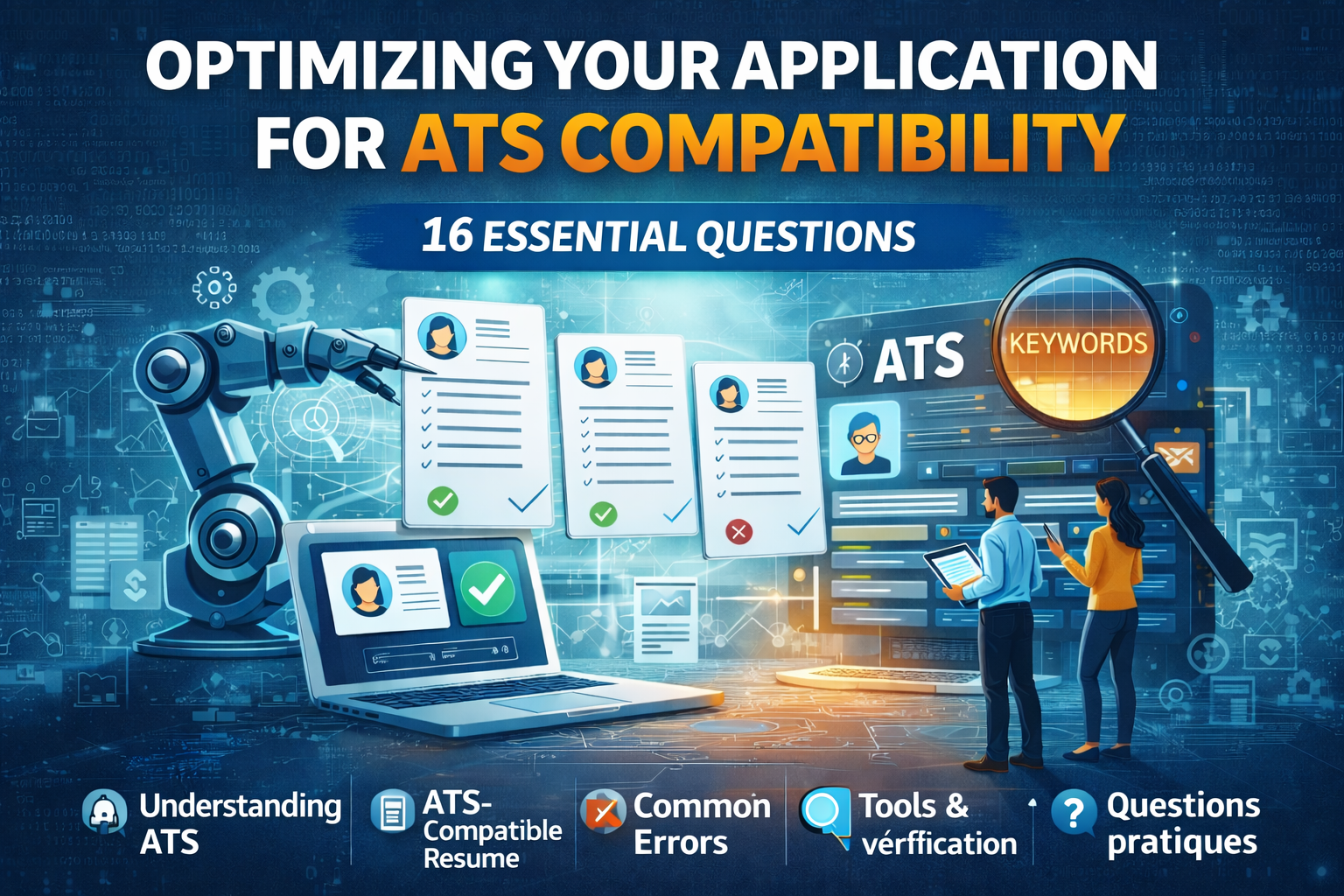
You've probably heard about 'ATS' without really knowing what it means, or you're wondering why some applications seem to disappear into thin air. This FAQ answers the most common questions about these recruitment tools and helps you understand how to adapt your resume.
Understanding ATS
What exactly is an ATS?
ATS stands for 'Applicant Tracking System'. It's software used by recruiters to manage incoming applications. It centralizes resumes, sorts them according to defined criteria, and tracks the progress of each application. In practice, when you apply online through a company's website, your resume usually goes through an ATS before reaching a recruiter's desk.
Why do companies use ATS?
Large companies sometimes receive hundreds of applications for a single position. Manually processing each resume would be extremely time-consuming. ATS saves time by automatically filtering applications based on predefined criteria (keywords, years of experience, degrees). It's also an organizational tool that helps HR teams keep track of every application and collaborate effectively.
Do all companies use an ATS?
No, not all of them. ATS are mainly used by large companies and recruitment agencies. SMEs and startups often manage applications more directly, through a simple email inbox or spreadsheet. If you're applying to a small company, your resume will probably be read directly by a human. However, for large corporations, it's safer to assume an ATS will be used.
Creating an ATS-Compatible Resume
How do I make my resume ATS-compatible?
The good news is that an ATS-compatible resume is often also a clear and well-structured one. Here are the best practices:
- Use a simple layout without multiple columns or complex tables
- Choose classic fonts (Arial, Calibri, Times New Roman)
- Structure your resume with standard section titles: Experience, Education, Skills
- Avoid headers and footers for important information
- Prefer text over images, icons, or graphics
Which file format should I use: PDF or Word?
Both formats are generally accepted by modern ATS. PDF has the advantage of perfectly preserving the layout, making it often the recommended choice. However, some older ATS may struggle to read PDFs, especially if they contain complex graphic elements. When in doubt, you can send both formats or check the job posting instructions.
Do creative resume designs pass through ATS?
This is where it gets tricky. A highly graphic resume with columns, icons, skill bars, or infographics can cause problems. ATS reads content linearly and may misinterpret a complex layout. For creative professions, one solution is to prepare two versions: a simple version for online applications (ATS-compatible) and a more visual version for direct submissions or interviews.
How do I integrate the right keywords into my resume?
The simplest method is to carefully read the job posting. The skills, tools, and qualities mentioned are often the keywords the ATS is looking for. Integrate them naturally into your resume, particularly in your experience descriptions and skills list. However, be honest: don't add skills you don't have, as this will show during the interview.
Common Mistakes to Avoid
Can my resume be rejected even if I'm qualified?
Unfortunately, yes. An ATS doesn't judge your actual skills; it analyzes your resume based on technical criteria. If your layout prevents the content from being read correctly, or if the expected keywords don't appear, your application may be discarded before a human ever sees it. It's frustrating, but that's why it's important to ensure your resume is compatible.
Should I customize my resume for each application?
Ideally, yes. Each job posting has its own keywords and priorities. Customizing your resume doesn't mean rewriting everything, but rather adjusting the order of your experiences, highlighting the most relevant skills, and using the terminology from the job posting. A 'generic' resume is less likely to match ATS criteria than a personalized one.
Are photos and logos problematic?
ATS generally ignore images, which means any text embedded in an image (like your contact information in a graphic header) won't be read. Company or school logos aren't problematic per se, but they don't contribute to the ATS analysis. As for photos, practices vary by country and industry. In many places, a photo isn't required, and its absence won't penalize your application.
Tools and Verification
How do I know if my resume is ATS-compatible?
A simple method is to copy and paste your resume content (PDF format) into a plain text editor. If the text appears in a logical and readable order, that's a good sign. If the information is jumbled or unreadable, your layout is probably causing issues. There are also online tools to test compatibility, but keep in mind that no test exactly replicates the behavior of all ATS on the market.
Are there free tools to create an ATS-compatible resume?
Yes, several options exist. Online resume builders like Fileify generate documents designed to be ATS-compatible. Google Docs or Word with a simple template also work well. The key is to avoid overly complex layouts. A well-structured document with clear headings and plain text will generally be interpreted correctly.
Do ATS read cover letters?
It depends on the ATS configuration and the company's practices. Some ATS also analyze cover letters for keywords, while others focus only on the resume. When in doubt, apply the same principles to your letter: clear structure, relevant keywords, simple format.
Practical Questions
My resume is two pages long – is that a problem for ATS?
No, resume length is generally not a criterion for ATS. What matters is that the content is well-structured and readable. That said, a concise resume is still preferable for the human recruiters who will read it afterward. One to two pages is the norm, depending on your experience level.
Should I put my contact information in the document header?
This is a tricky question. Some ATS have difficulty reading headers and footers in Word or PDF documents. To ensure your contact information is captured, place it in the main body of the document, ideally at the top of the first page but not in a technical header area.
Are links to LinkedIn or my portfolio taken into account?
ATS can record links in your resume, but they don't automatically visit them. These links are mainly useful for the recruiter who will manually check your profile. Make sure your LinkedIn profile is up to date and consistent with your resume. A portfolio link is a real plus for creative or technical roles.
In Summary
ATS are now part of the recruitment landscape, but they shouldn't scare you. By following a few simple rules – clear layout, relevant keywords, standard format – you maximize your chances of having your resume properly analyzed. And don't forget: ATS is just the first step. It's your background and personality that will make the difference with the recruiter.
Create an ATS-Compatible Resume in Minutes
Fileify generates resumes optimized for recruitment software, while remaining elegant and personalized.
Try for Free